 TivEPG
What you need
- An IPTV player app. Apple devices don't play IPTV playlists on their own. This guide uses TivEPG, which is free to download.
- Your playlist details from your provider. One of these:
- Xtream Codes: a server URL (for example
http://example.com:8080), a username and a password. - M3U: a playlist URL ending in
.m3uor.m3u8, or aget.php?...link, and optionally an EPG / XMLTV URL for the guide.
- Xtream Codes: a server URL (for example
If your provider gives you both, use Xtream Codes. It brings the guide, catch-up, movies and series with it automatically.
Step 1: Install the app
Get TivEPG on the App Store. One download covers iPhone, iPad and Apple TV.
Step 2: Add your playlist
Xtream Codes
- Open Settings → Playlists → Add Playlist.
- Choose Xtream Codes.
- Enter a Name (anything you like), the Server URL, Username and Password.
- Save. Your channels, guide, movies and series load in the background.
M3U playlist
- Open Settings → Playlists → Add Playlist.
- Choose M3U Playlist.
- Paste the Playlist URL. If you have a guide link, paste it into Guide URL.
- Save.
Step 3 (Apple TV): skip the on-screen keyboard
On Apple TV open Settings → TivEPG Remote. It shows a 6-digit number. On your phone or computer go to tivepg.com/help, enter the number and add the playlist with a real keyboard. This also works for setting up a parent's or friend's TV from anywhere.
Step 4: Find the game
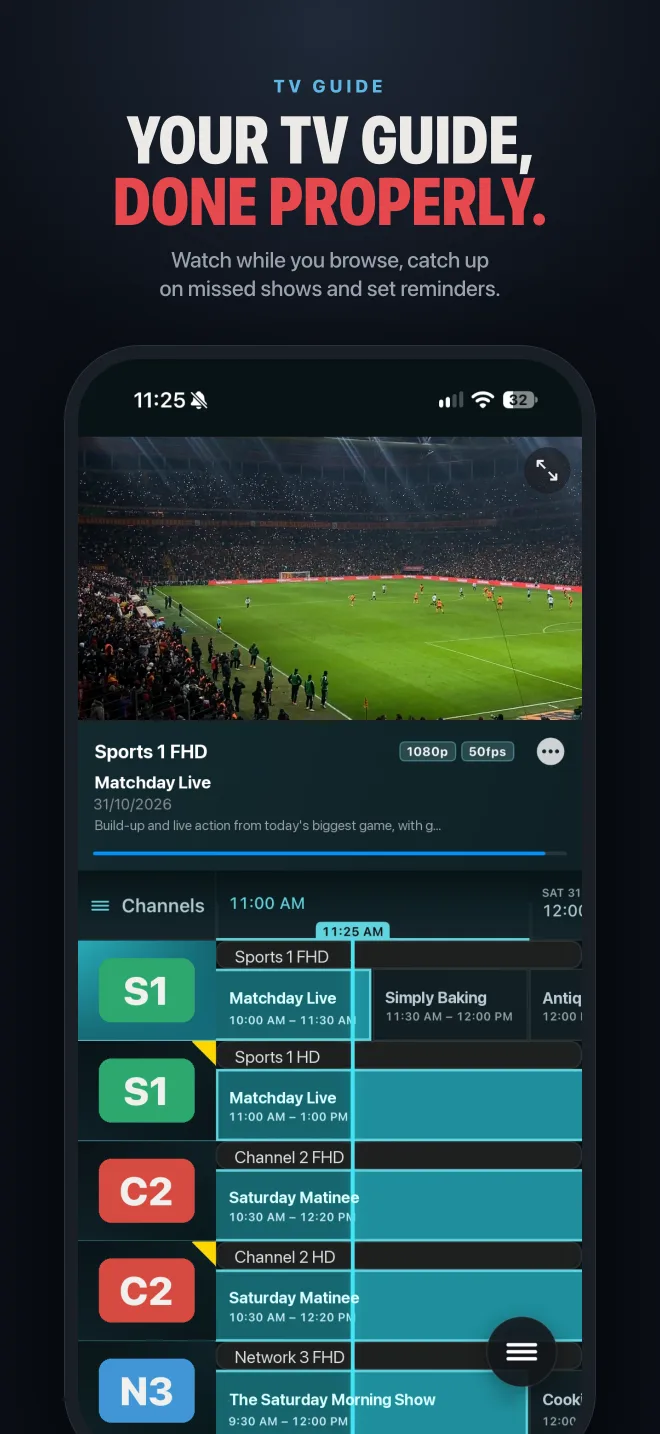
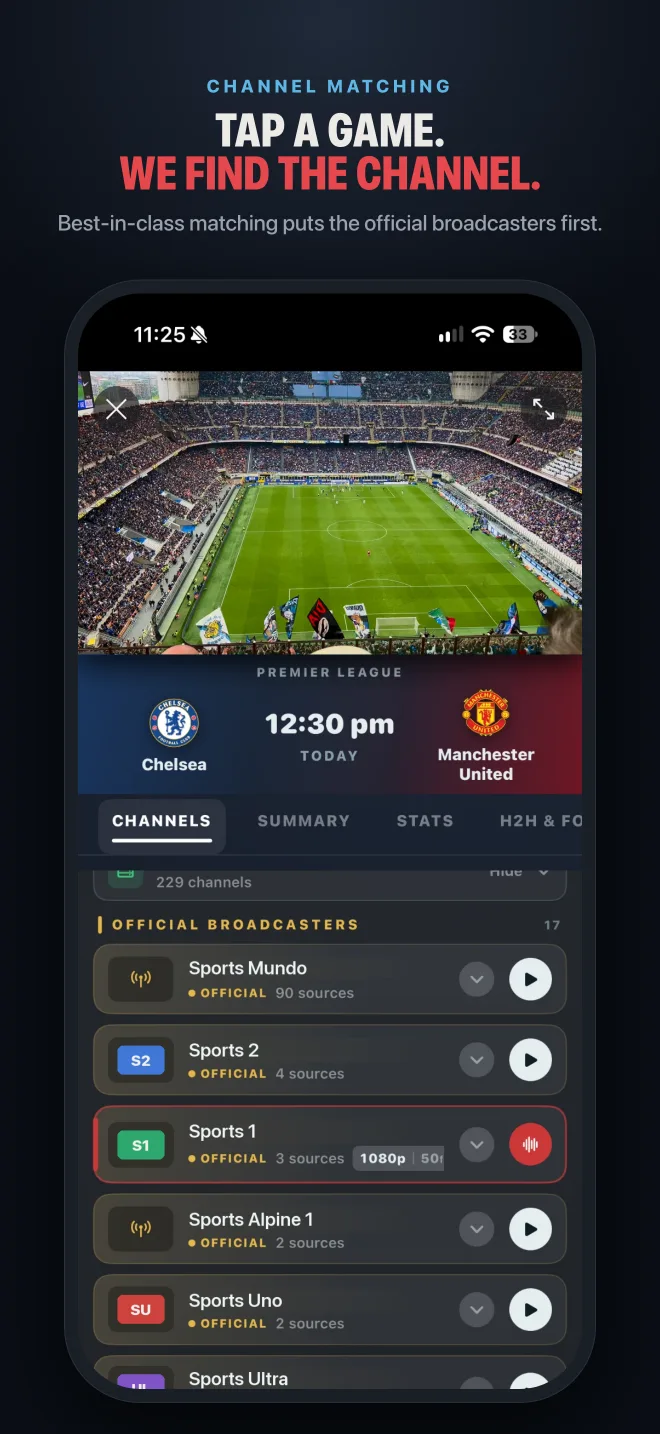
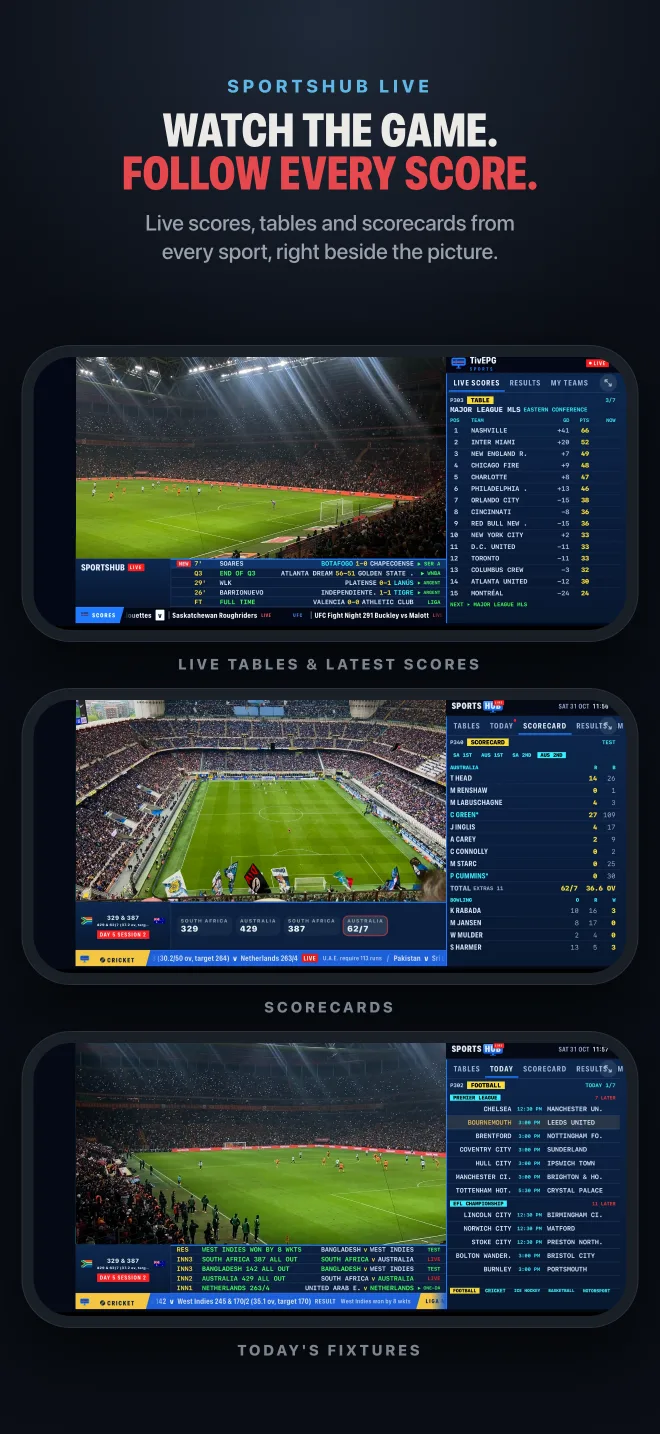
Open the Sports Hub, pick a fixture and TivEPG searches your playlist and guide for the channels showing it, official broadcasters first.
Fixing common problems
The guide is empty
For M3U playlists, add your provider's EPG / XMLTV URL in the playlist settings. Big guides can take a minute to load the first time.
"Login failed" with Xtream Codes
Check the server URL includes http:// and the port (for example :8080) exactly as your provider sent it, with no trailing spaces in the username or password.
A channel buffers or stops
Try the channel's other sources if it has them, or switch the player engine in the playback settings. If every channel struggles, it is usually the provider or your connection.
Still stuck? Ask in the Discord or see Support.
Questions
Can you watch IPTV on an iPhone?
Yes. Install an IPTV player such as TivEPG from the App Store and add your provider's Xtream Codes login or M3U playlist.
How do I add an M3U link on iPhone?
In TivEPG open Settings, Playlists, Add Playlist, choose M3U Playlist, paste the URL and save. Add an EPG URL for the TV guide.
What is the difference between Xtream Codes and M3U?
An M3U is a list of channel links. Xtream Codes is a login to your provider's panel, which also brings the TV guide, catch-up, movies and series automatically.
How do I get IPTV on Apple TV?
Install TivEPG on the Apple TV, then add your playlist in Settings, Playlists, or use TivEPG Remote to add it from your phone at tivepg.com/help.
TivEPG is a player only. No channels, streams or subscriptions are included. Use it with a playlist you have the rights to watch.
More guides