 TivEPG

Built for the bigger screen
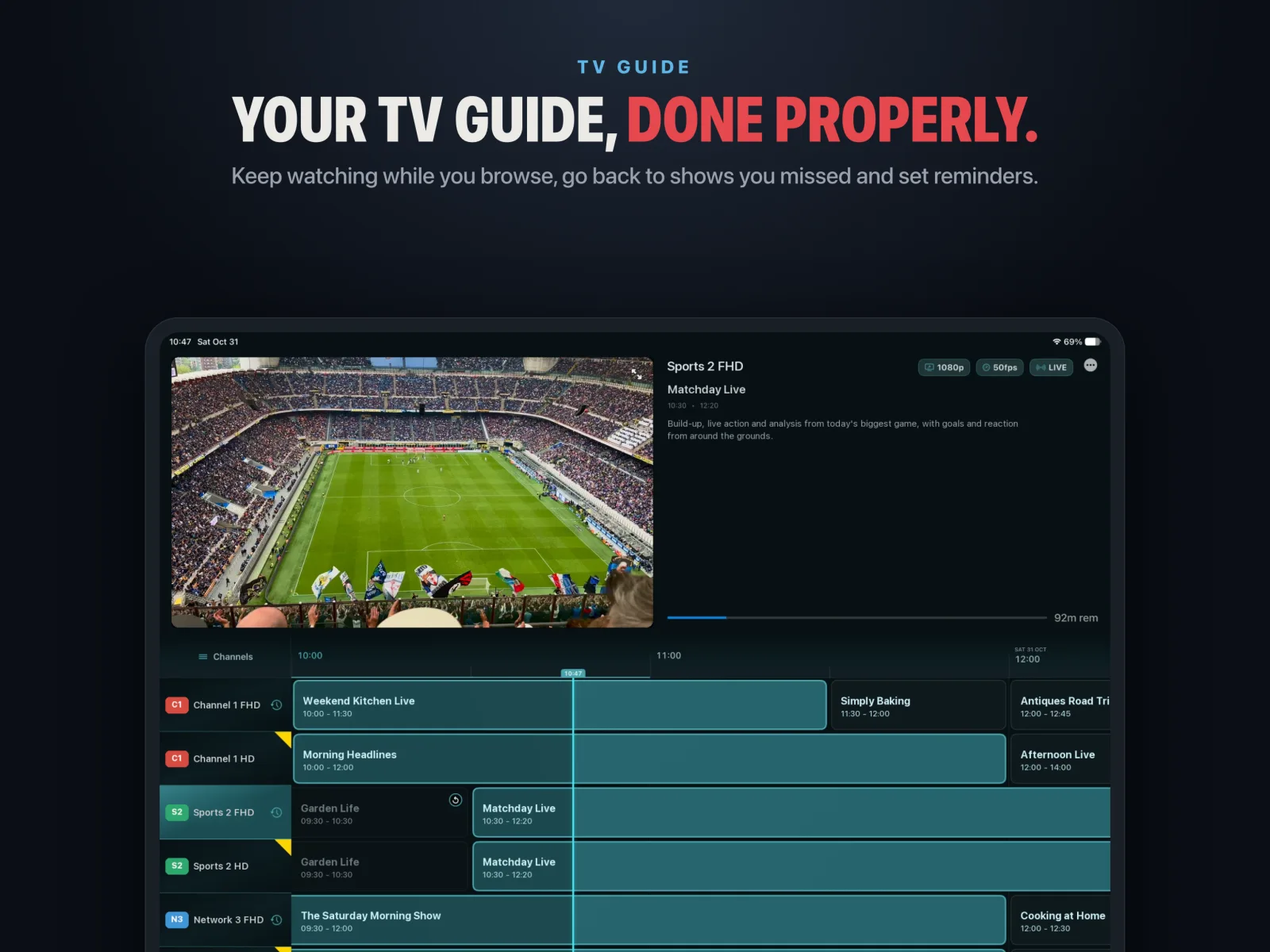
On most IPTV apps the iPad version is a stretched phone app. TivEPG has its own iPad layouts: a guide that shows more channels and more hours at once, a Sports Hub with fixtures and tables side by side, and Match Centre pages that make use of the width.
What you get on iPad
- A proper TV guide (EPG). Scroll the whole grid while the channel keeps playing in a mini-player, set reminders and jump into catch-up.
- Xtream Codes and M3U. Log in with your provider's server, username and password, or paste an M3U playlist URL with an optional XMLTV guide URL.
- Live TV, movies and series. Your provider's VOD library with artwork, synopses, Continue Watching and Trakt sync.
- Catch-up and Replay. Watch back anything your channels keep in their archive, or press Replay to rewind to the last goal.
- Multiview. Up to four channels on one screen. Pick which one you hear.
- Sports Hub. Every fixture and live score for football, NFL, NBA, F1, cricket, tennis, golf and more, and the channel in your playlist that is showing it.
- No spoilers. IPTV often runs a minute or two behind. TivEPG reads the match clock on your picture and holds score alerts until the goal happens on your screen.
- SportsHub Live. The picture moves to the corner and live tables, stats, line-ups and every other score wrap around it.
- Keyboard support. Use a Magic Keyboard to move around the guide.
- AirPlay and Google Cast. Send any channel to the TV.
How to set it up
- Download TivEPG from the App Store.
- Open Settings → Playlists → Add Playlist and choose Xtream Codes or M3U Playlist.
- Enter your details and TivEPG builds your channels, guide, movies and series.
The set-up guide covers both playlist types step by step.
Also on iPhone and Apple TV
The same app runs on iPhone and Apple TV.
Questions
Can I watch four IPTV channels at once on iPad?
Yes. TivEPG Multiview puts up to four channels on one iPad screen and you choose which one you hear.
Does TivEPG support M3U and Xtream Codes on iPad?
Yes, both. Add them in Settings, Playlists, Add Playlist.
Does it include any channels?
No. TivEPG is a player only. You add your own playlist.
TivEPG is a player only. No channels, streams or subscriptions are included. Use it with a playlist you have the rights to watch.
More guides